Your ideas. A more consistent presence. Turn your style, your story, or your business into content worth sharing—with Your AI to help and you in control.
Professional accounts only. Public integration access is pending verification. Planning and captions can start in Your AI chat.
YOUR AI / CONTENT STUDIOIllustrative preview
A week of possibilities
Content plan · Workspace preview
MON
A new perspectivePortfolio edit
WED
Behind the scenesStudio notes
FRI
Made to moveOutfit details
Draft ideas, not scheduled posts
M
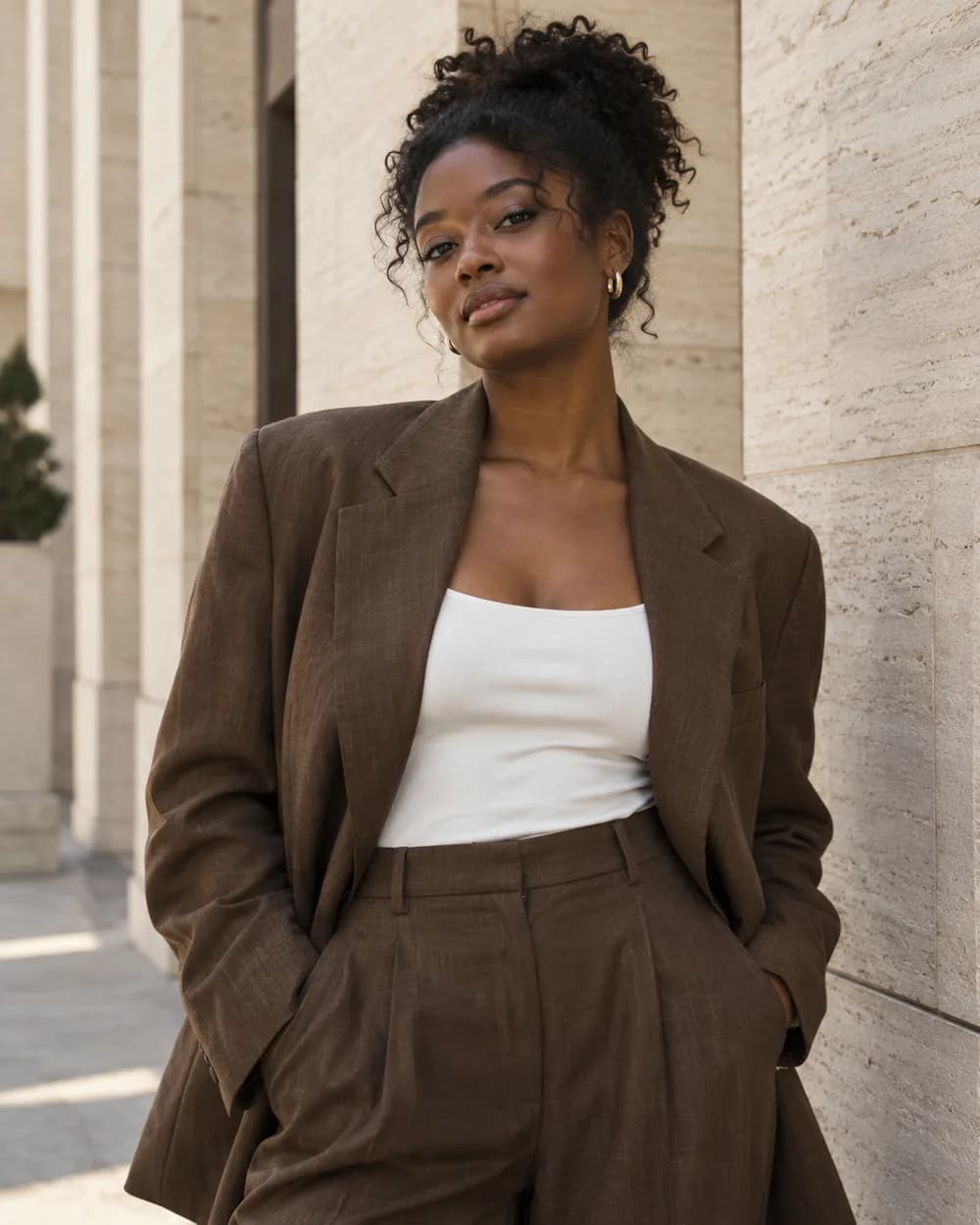
Studio museExample model portfolio
Post preview
Studio muse Soft light. A fresh perspective. A little look at my latest portfolio edit.
Caption draft · Not published
“Plan content for my modeling portfolio.”
A first draft. Your voice. Your final say.
Illustrative content plan and post · AI-generated photo · Scheduling is planned
01 / Make room for your ideas
Less blank-page energy. More “that sounds like us.”
Build a rhythm around your audience, your expertise, and the things you want people to know. Start with a conversation.
01 / Planning
Give your week a little direction.
Tell Your AI your goals, who you want to reach, your brand voice, and what you like to share. Ask for a content plan you can refine in chat.
EducateIntroduceInvite
“Prepare next week’s posts for my salon.”
Planning drafts in chat · Calendar workspace planned02 / Creation
Keep your voice. Find the words.
Turn a menu, a service, or a story into caption ideas. Review the facts and tone, then pair your draft with media you own and have permission to share.
“A new season. A fresh perspective. A little look at what we’ve been making.”
Where access is enabled, review the exact account, JPEG, and caption. Approve the action and continue it in the Instagram workspace.
Ready for your review Exact account + image + caption Approval required before publishing
Conditional access · Scheduling is not available04 / Insights
Learn from what you’ve shared.
Read available reach for your own selected media where insights access is enabled. Bring that context into planning your next post.
SELECTED MEDIA / REACH
Illustrative visualization · No performance data
Limited reach reads · Full dashboard not available
02 / Made for what you do
Your style. Your story. Give Your AI the context.
From your next portfolio shoot to the chair, the kitchen, and your own business. Try a starting point, then make it your own.
Illustrative conversation · Drafting only
“Help me plan content for my modeling portfolio.”
Your AI
Lead with your favorite editorial frame, share a behind-the-scenes detail, then tell the story behind the look. Use your own approved shoot images and credit the team accurately before sharing.
Goal: portfolio discovery · Voice: confident, personalPlan with Your AI
For your next portfolio chapter Models & personal brands
For the style that’s all your own Fashion & lifestyle creators
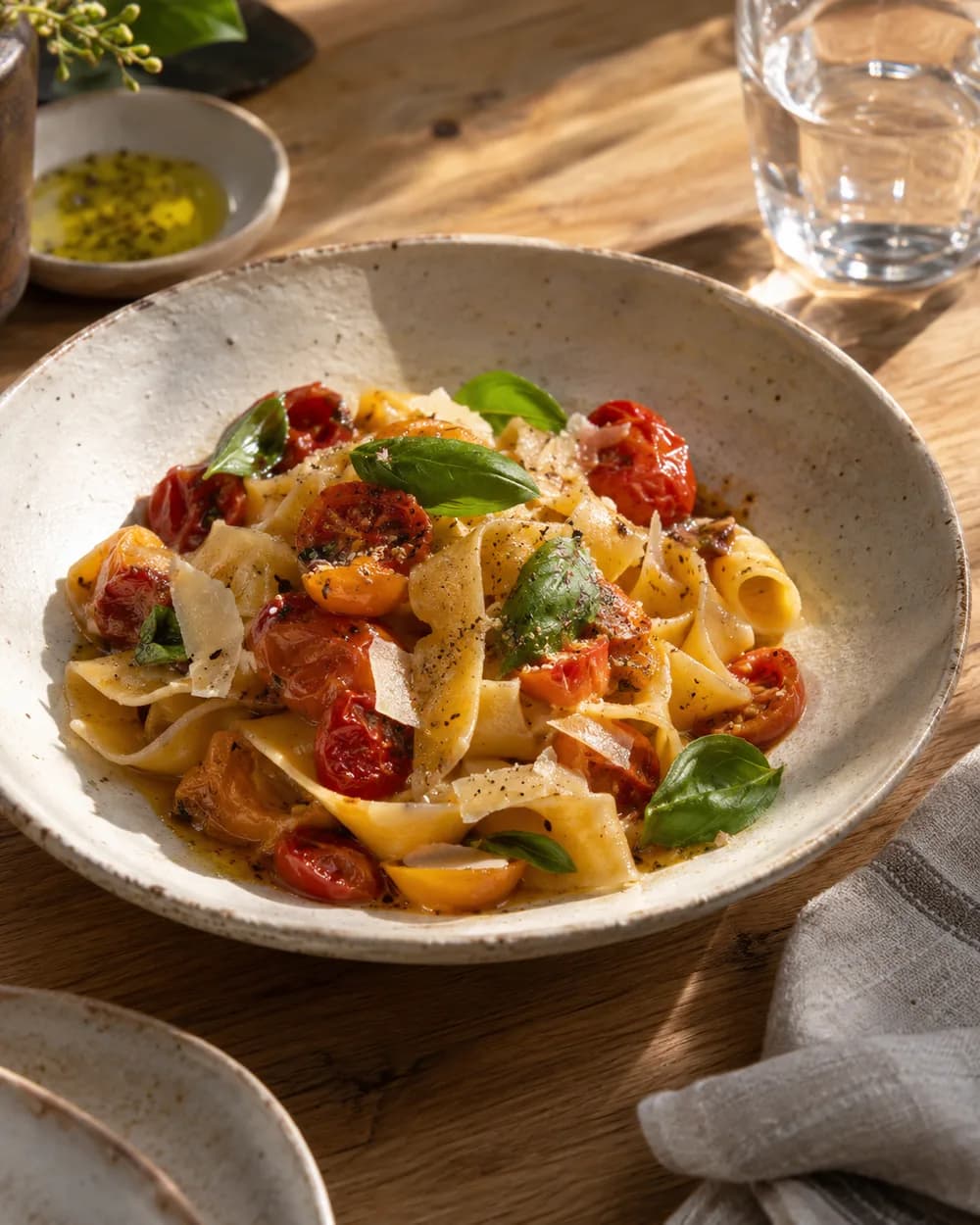
For the neighborhood favorite Restaurants & small businesses
AI-generated illustrative images and draft examples. No customer campaigns or results are shown.
03 / Start with a little context
Your next chapter. One step at a time.
01
Check account access
Sign in to Dint+ and check the Instagram workspace. When enabled, connect your Business or Creator account and select the permissions you need.
02
Make the brief yours
In Your AI chat, share your business goals, audience, brand voice, and content preferences. Review its recommendations and add your own media.
03
Review before sharing
Use the enabled Instagram actions to prepare and approve exact posts or replies. Check saved progress and available media insights in the workspace.
Instagram actions are implemented behind account and app access checks. Public launch approval has not been verified. Check your workspace for actual availability.
Connect a professional account
Access pending verification
Business or Creator accounts through Instagram Login. No linked Facebook Page required. Personal accounts are not supported.
Publish a photo
Conditional · Human approval
A reviewed JPEG image and caption can be published where app access and account permissions are enabled. Reels, carousels, Stories, and scheduled publishing are not supported here.
Reply to comments
Conditional · Human approval
Read comments on your own media and approve individual public replies where comment access is enabled.
Reply to incoming messages
Conditional · Human approval
Reply to verified messages received after the connection’s webhook subscription, within the integration’s 24-hour reply window. No cold outreach, group messaging, or full-inbox coverage.
Read media insights
Conditional · Limited metrics
Read available reach data for your own selected media when insights access is enabled. Missing data is unknown, not zero. A full analytics dashboard is not available.
Content calendar & scheduled posts
Planned · Preview only
The calendar shown on this page illustrates a future workspace. Use Your AI chat for planning drafts today; automatic scheduling and publishing are not available.
Development access is limited to authorized professional test accounts. App approval, granted permissions, active tokens, and service limits apply separately to each capability.
Plans and captions stay recommendations until you decide what to use. Check accuracy and make them sound like you.
Approval is specific
Review the exact account, content, and destination before publishing or replying. A changed draft needs a fresh review.
Automation needs its own permission
Standing approval and automatic Instagram publishing or replies are not supported. You decide when to continue each approved action.
Access stays in view
Inspect capabilities and disconnect in the workspace. Reconnect if access expires or is revoked. Only enabled, authorized actions can proceed.
Connected content may be processed by Your AI and its model providers within granted access. Read Privacy and AI Terms. No automated following, mass liking, scraping, or unsolicited bulk messages.
Open Check Instagram access to sign in and view the actual workspace. Linking requires an eligible Business or Creator account, configured app access, and the selected permissions. Public launch approval is unverified; development access is restricted to authorized professional test accounts. The workspace keeps unavailable capabilities disabled.
Will Your AI post or reply without asking me?
No. This integration requires you to review and approve each exact account, image, caption, or reply, then continue the approved action. Connecting an account is not approval to publish or send. Standing approval, automatic replies, and scheduled publishing are not implemented for Instagram.
Can it help me grow my audience?
Your AI can help you develop ideas and draft content around your audience and business goals. Where insights access is enabled, available reach data can inform your next decisions. Audience growth depends on your content and many other factors; no follower or performance result is guaranteed.
Does it create the pictures?
Image generation is a separate Dint+ Photo Studio capability, not an Instagram feature. Model availability, AI access, and usage costs vary; review the tool’s requirements before generating. The approved publishing workflow needs an eligible owned JPEG asset. The illustrative pictures on this page are AI-generated examples.
What does it cost?
AI access and usage depend on your account and plan. Instagram marketing automation is not advertised as part of the $4.99 Line phone-number price. Check your account’s AI usage and subscription details, or contact support for current access and pricing.
Can I change or remove access?
Select the exact connected account in the Instagram workspace to see available capabilities, reconnect, or disconnect. You can also review app permissions in Instagram. Disconnecting removes Dint’s local credentials; content already published stays on Instagram. Check uncertain or already dispatched actions before trying again.
Bring your ideas. Keep your voice.
Make your next post feel more like you.
Start with a draft. Explore what your account can do.
AI access and usage costs depend on your plan. Instagram actions require enabled app and account access.
Instagram is a trademark of Meta Platforms, Inc. Dint+ is not endorsed by or affiliated with Meta or Instagram. Illustrative previews do not show a live Instagram interface.